Type it. It’s scheduled.
Next understands plans the way you say them — dates, times, repeats, lists, and locations — and files each one exactly where it belongs. A live preview shows what you’re about to add before you press return.
The shape of your week.
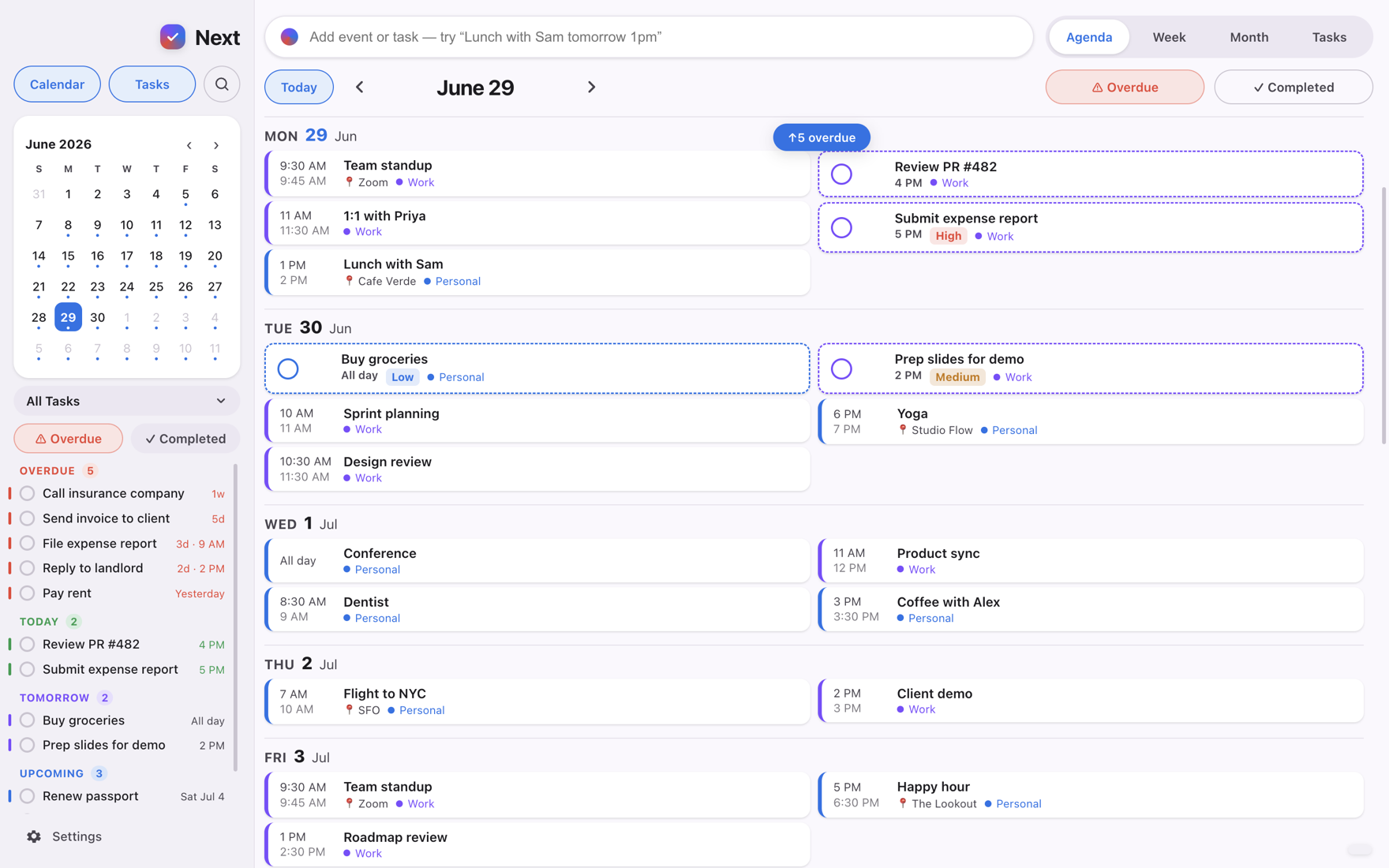
Meetings and errands don’t live in separate apps in your head — so they don’t here, either. Events and to-dos share one honest grid, drawn in your real calendar colors, in light or dark.

Events + to-dos together
The agenda holds your whole day — priorities, overdue, snooze, and repeats, right beside your meetings.
Agenda, week, month, tasks
Zoom out without losing the plot. Drag to reschedule, pinch to stretch the hours, tap a day to dive in.
Works with what you have
Reads and writes your built-in Calendar and Reminders — iCloud, Google, and Outlook show up instantly.
Your day is none of our business.
Next has no servers and no accounts. Your calendar is read and written on your device, through Apple’s own frameworks — there is nowhere to send your data, and we never try.
One download. Both machines.
The same plain English, the same one-list day, on your desk and in your pocket — kept in step through the accounts you already use, with no extra setup.

Know what’s next.
For Mac and iPhone, on the App Store.